Draw geometric brand posters freehand
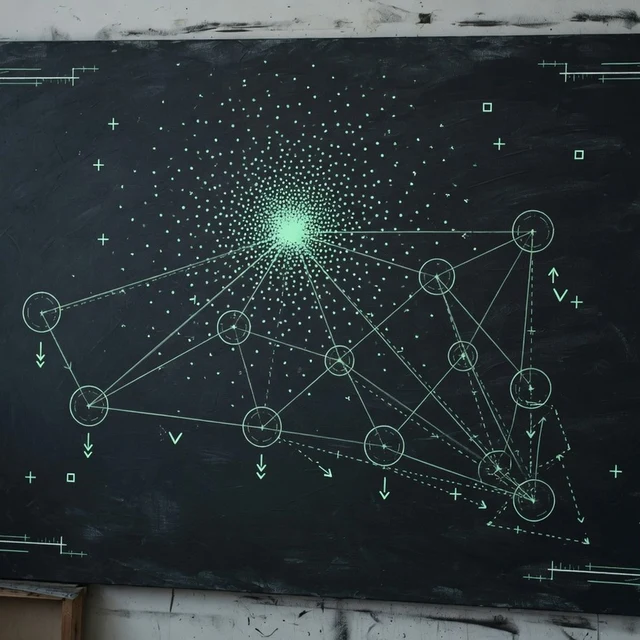
When the base is not a product photo, sketch points, bursts, and networks yourself. Export free PNG or SVG. Same measurement-grid language as Circles — different input.
Why use Studio
Freehand geometric posters when Circles’ product-photo path is not the job.
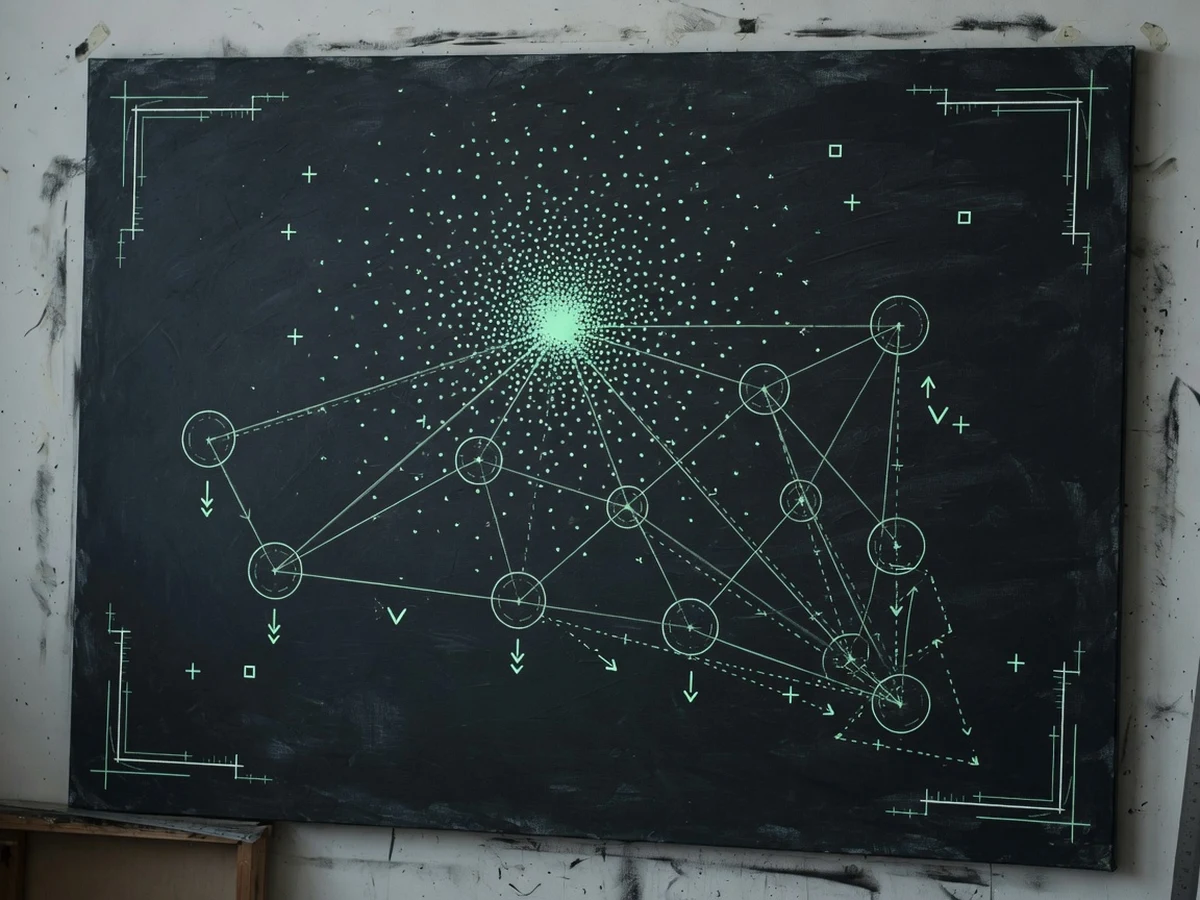
Draw the structure yourself
Click points, bursts, gravity, origins, and anchors — Studio renders the system around your gestures.
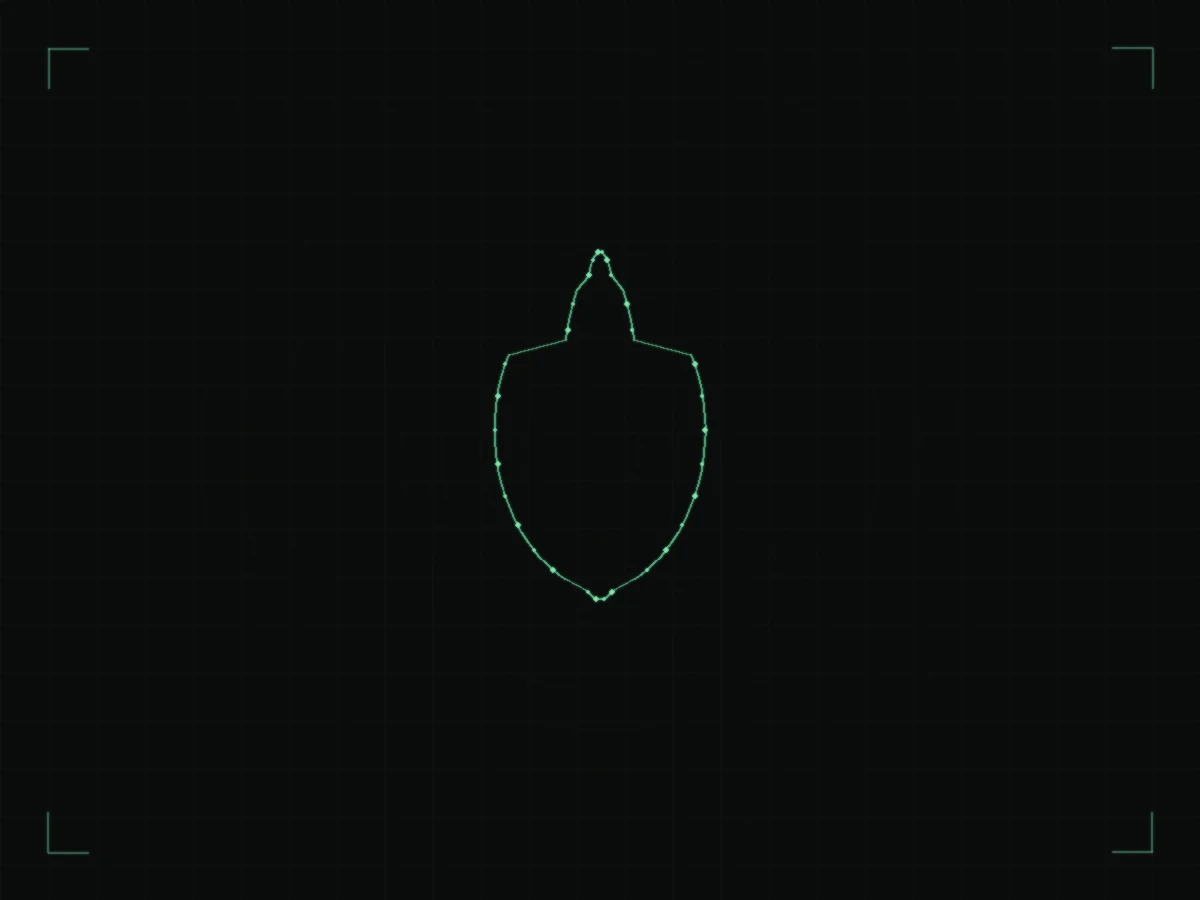
Optional photo trace
Upload a silhouette, run contour trace, and combine freehand points with product edges.
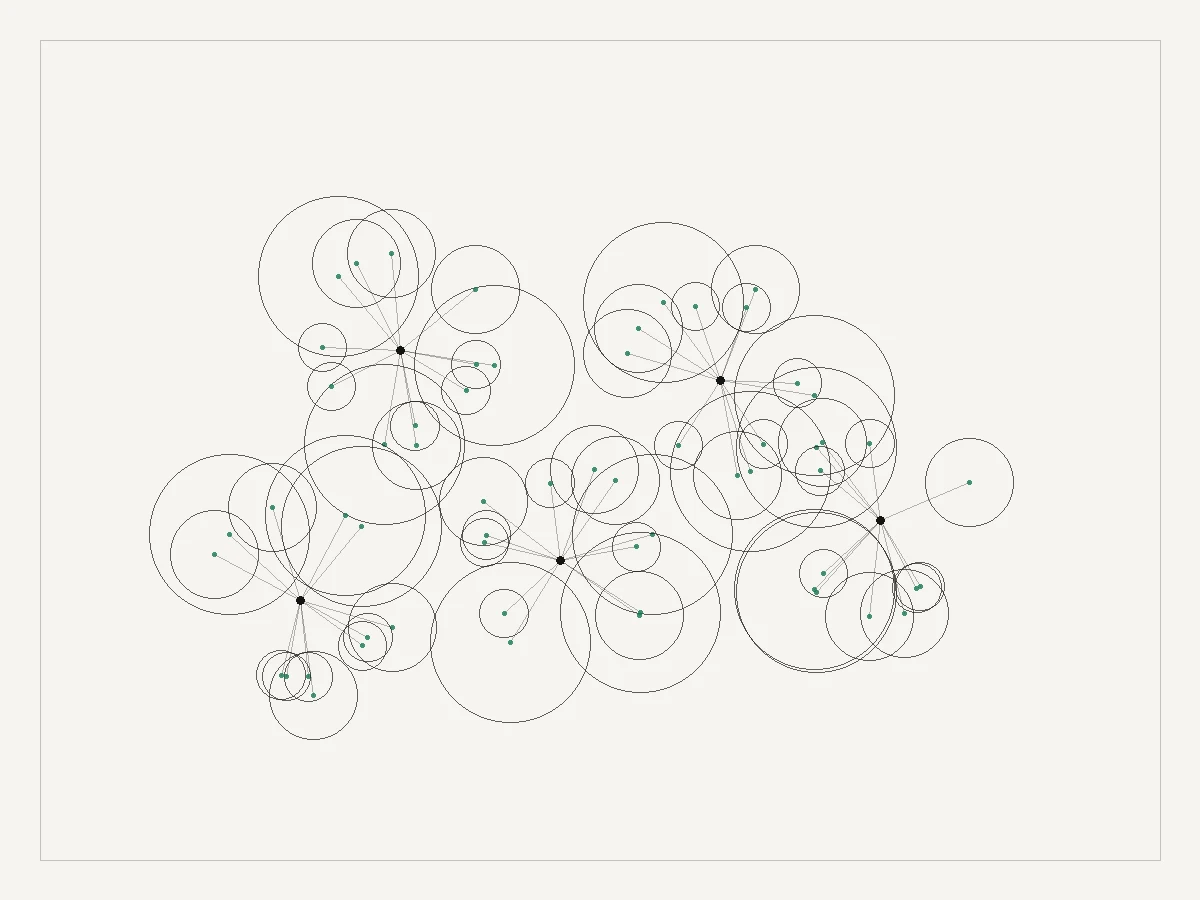
PNG free · SVG free
Studio exports do not spend credits. Use Circles when you need multi-size product packs.
Burst and gravity fields
Scatter energy or pull structure for posters that still feel measured.
Draw a burstWho ships faster with Studio
Campaign posters, moodboards, and abstract brand frames.
Campaign posters without Figma hours
Sketch structure, add frame text, export a launch poster in minutes.
Prototype geometric systems
Explore networks and contours before locking a Circles product pack.
Moodboard variants fast
Keep structure, shuffle palette and density for direction decks.
When photo-chain is not the job
Switch to Studio for abstract brand frames; return to Circles for product packs.
How to use Studio
Sketch → optional trace → free export.
- 1
Sketch on the canvas
Click = point · double-click = burst · right-click = gravity · Shift = origins · Alt = anchors.
- 2
Optional upload & trace
Add an image, tune threshold, Trace contour, then style layers.
- 3
Export free
Download PNG or SVG. No credits. For multi-size product packs, use Circles Pack ZIP.
Also available: Circles
Two tools, one job. Circles for product packs. Studio when you draw geometric posters freehand.
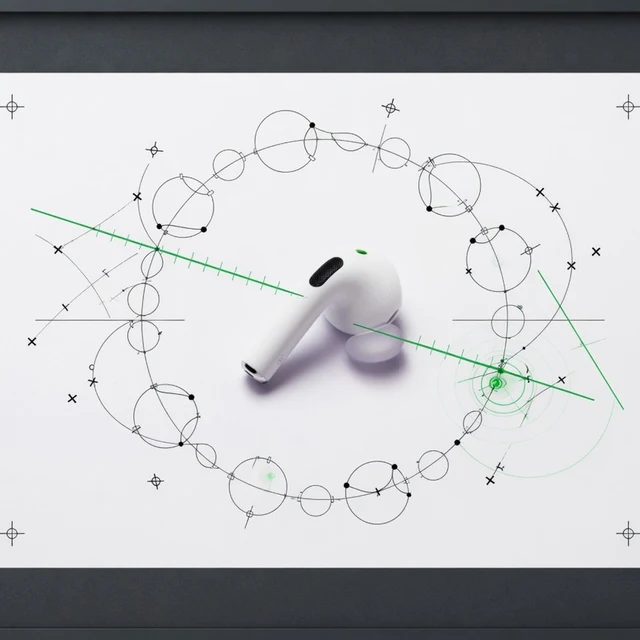
FAQ
Studio vs Circles and what costs credits.

Sketch brand geometry free
Open Studio, place a few gestures, export a poster. Switch to Circles when you need product packs.
Open Studio free